
The question, in the buyer's words
During tax season my four-person office has a line out the door, and clients keep asking what papers to bring while we're with other appointments; could a humanoid robot greet them and answer those document questions?
Key takeaways
- A humanoid greeter can run the door, the line and a short list of general document questions.
- It should not review, collect, scan or photograph client papers.
- IRS weekly totals of well over 100 million returns explain why lines form in season.
- Published studies on guest acceptance of humanoid reception robots are encouraging but small.
- Start with a site assessment, a dated document list and a two-week baseline of your own intake.
Can a humanoid greeter answer tax season document questions?
Yes at the front door, and only partly for the questions. Clients who show up at a tax season office usually want three things: to be checked in, to know roughly how long they will wait, and to learn which papers to bring. A humanoid greeter can handle all three from a script your office approves. It can also tell a client which staff member is free, if your check-in system feeds it that information.
What it cannot do is replace the person who reads the papers. Anything that depends on a specific client's income, dependents or prior year return belongs to a preparer. A greeter that answers the paper list well keeps clients from walking to the desk three separate times, and that is most of the value during a rush.
Treat the rest of this page as a plan for the front of the house, not for the tax work itself.
How busy does a tax season office really get?
The national numbers explain why lines form. According to the IRS, the week ending April 10, 2026 saw 114,333,000 individual returns received, down 2.8% from 117,588,000 a year earlier. The week ending May 8, 2026 recorded 144,992,000 total returns received, against 145,855,000 a year earlier, a 0.6% decline, while refunds issued rose 6.0% to 99,138,000.
Those totals cover the whole country, so they do not tell you how many clients your office sees on a Saturday. For scale, the most recent official count we found is the 2002 Economic Census, which listed 19,222 tax preparation establishments. That figure is more than twenty years old, so use it only to show that the industry is made of many small offices, not to size yours.
We did not find a verified figure for how many clients a typical four-person office handles per day, or for how long each visit runs. Measure your own intake for two weeks before deciding. Count arrivals by hour, note the average wait and mark which questions were about documents.
What can a humanoid greeter do at the front desk?
A humanoid greeter is a robot built to stand, walk and talk in a human shape. In an office its useful work is narrow and repetitive. It greets arrivals, asks for a name or appointment, sends people to a waiting area and gives directions to restrooms and exits. Those tasks are where lines lose time when staff are busy with appointments.
Document questions are the second group. A greeter can read aloud a paper list your office has approved and explain in plain words why each item is asked for. Put the list on a screen as well, so a client who missed a sentence can read it. Your preparers should review the list before it goes live and update it whenever the rules or your intake forms change.
It can also answer a short set of general questions about hours, parking, languages spoken in the office and whether a visit can be booked for later. Keep that set short. Every extra question you add is another one the robot can answer wrongly.
Plan for the questions it will get wrong. Clients will ask about refund timing, deadlines and whether an old balance is settled. The greeter should recognize that a question sits outside its list, say so plainly and offer a staff member. A confident wrong answer at the door costs more time than a short wait.
Which document questions need a preparer?
Some questions are general enough for a script. What should I bring? Do I need last year's return? Should I bring photo identification? Those can be answered from your approved list. The greeter should say it is giving general information and that a preparer will confirm the details for the client's own situation.
Other questions need a person. Whether a client qualifies for a credit, how a sale of property is reported, whether a missing form changes the return or what to do about a notice from the IRS all depend on facts a preparer must review. The greeter should hand these to staff with a name and a time, not guess at an answer.
The sorting rule is simple. If the answer depends on this client's numbers, the robot routes the client to staff. If the answer is on the approved list, the robot gives it and offers the next free preparer.
Write the routing rules down before go live. Staff should agree which topics go to which preparer and what the greeter says when nobody is free. If it tells a client that a preparer will be with them within a set time, that promise has to hold on a busy day.
Is it safe to let a robot near client papers?
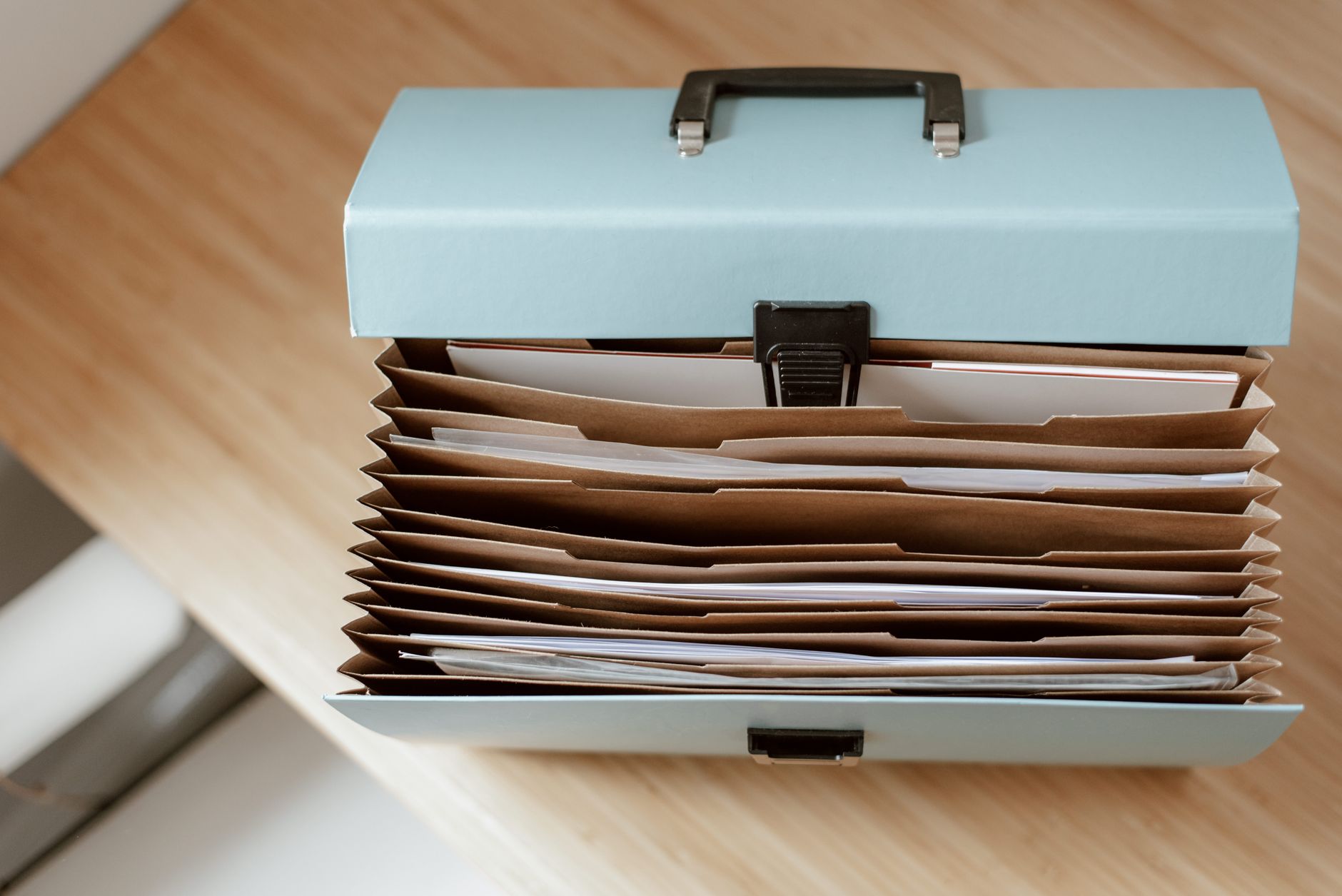
Not for collecting documents. Tax preparers fall under the FTC Safeguards Rule, which requires a written information security program sized to the business and to the sensitivity of customer data. According to a Tax Adviser summary of the rule, customer information must be encrypted in transit and at rest, and multi-factor authentication is required unless an equivalent control is approved in writing.
A robot that scans papers, records names and identification numbers, or stores a photo of a client's form creates one more place where that data lives. Each device, its network connection and its storage would need to sit inside your written plan. A state CPA society article says the October 2025 PTIN attestation expects preparers to maintain a written information security plan, so confirm that requirement with your own adviser.
The FTC has proposed changes to the rule, and we did not verify where those changes stand. The practical rule holds either way. Keep the greeter at the front of the house, route papers to a staff workstation already covered by your plan, and ask any vendor, including us, to state in writing where camera images and voice logs are stored and who can delete them.
Do people accept humanoid reception robots?
The research is encouraging but thin. A survey of 527 hotel guests in Vietnam, published in an academic hospitality journal, found that attitudes predicted intent to use robot front-of-house services, and that anthropomorphism, meaning how human the robot seemed, was the strongest driver. That study is about hotels and measured intent rather than actual use.
A Utrecht University thesis placed a reception robot in a building that had no reception desk. Fifty-two participants rated it, and the average System Usability Scale score was 84.1. That is a small group in one setting, so read it as evidence that a simple greeting flow can be easy to use, not as a promise for your waiting room.
We did not find a systematic 2026 survey of visitor reactions to humanoid front desk robots. Plan a short pilot, and ask your own clients one question at the end of each day, such as whether the greeting helped them find the right person quickly.
What does a tax season day look like with a greeter?
The shift should follow the shape of your busiest days. Start the greeter before the doors open, greet the first arrivals and take over the repeated questions during the peak. Staff keep their attention on appointments and step out only when a client needs a person.
Between peaks the greeter can return to its charging spot or hold at the desk with a reduced script. Someone on staff should check the queue log at the start and end of each day, clear stuck entries and confirm the device is charged and connected to the right network segment.
Expect a learning period. The first week shows where clients get confused, which phrases the robot misunderstands and where the waiting area crowds up. Adjust the route and the script before the peak, not during it.
Plan for staff breaks too. When a preparer steps away, the handoff should go to whoever is covering the desk, not to a voicemail. Name that person on the schedule so the handoff still works on a heavy day.
What should you check before deciding?
Start with the front door, the waiting area and the path from entrance to desk. A humanoid greeter needs room to move and a clear route, and a crowded lobby makes both navigation and the client experience harder. Measure the space before you assume a unit fits.
Then check privacy and network position. Confirm that your written information security plan covers any device with a camera or microphone, and that the greeter stays off the network segment that holds client files.
Last, decide what success looks like. Pick one measure, such as the average time from arrival to a staff member, record it for two weeks without the robot, then compare it during a pilot. That gives you a number to show your team instead of an impression.
Ask about voice and language settings before the pilot. A greeter may not serve every language your clients speak, and desk staff should be able to correct the script in the office without waiting on a service call.
How would a humanoid greeter get into our office?
We are an integrator for US businesses. We are OEM-neutral, so we select the humanoid greeter that fits your floor rather than starting from one manufacturer's catalog. We lease the robot through financing, deploy and integrate it with your check-in process, train your staff and service the unit under our service plan, backed by regional service engineers in each state we service.
The first step is a free site assessment. We measure the route, the waiting area and the network, then send a lease quote after that assessment. Compare that quote against your own staffing and wait-time numbers, not against a general sense of what robots cost.
If the assessment shows a humanoid greeter is the wrong fit, we will say so. A simpler sign-in screen, or one extra staff member during the peak, may serve your office better, and that is a fair outcome.
During tax season the schedule is tight, so ask for dispatch timing in writing. Our service plan covers remote triage and on-site dispatch, and we can discuss emergency replacement during the peak. Ask for those terms during the assessment, not after installation.
Frequently asked questions
Upcoming offices & corporate campuses events
- Trade showNEBFM 2027, Northeast Buildings & Facilities Management Trade Show & ConferenceApr 14 to 15, 2027DCU Center, Worcester, MA
- ConferenceIFMA Facility Fusion Conference and Expo 2027Apr 27 to 29, 2027Hilton New Orleans Riverside, New Orleans, LA
- ConferenceAIA Conference on Architecture & Design (AIA27)May 19 to 22, 2027Pennsylvania Convention Center, Philadelphia, PA
- ConferenceBOMA International Conference & Expo 2027Jun 26 to 29, 2027Washington, DC
Want a humanoid robot at your tax preparation offices?
Tell us about your site. We will recommend the robot, quote the lease, and keep it serviced.
Sources
- IRS, Filing Season Statistics for Week Ending April 10, 2026
- IRS, Filing Season Statistics for Week Ending May 8, 2026
- U.S. Census Bureau, 2002 Economic Census, Tax Preparation Services
- The Tax Adviser, Complying With the Safeguards Rule for Information Security
- State CPA society article on the written security plan requirement
- Academic survey of 527 hotel guests on robot front-of-house services
- Utrecht University thesis on a reception robot